How This Page Is Sourced
Everything here is based on published specifications. We have not tested a chipset, and there is no performance figure anywhere on this page. AMD's and Intel's own chipset pages did not load for us while this page was being written — AMD's timed out repeatedly and Intel's returned an access error — so every chipset-level value below comes from two independent published sources that agree with each other. Where they disagreed, the cell says so instead of picking a winner. The sources are listed at the foot of the page.
How to Read These Tables
The single most common mistake in a chipset comparison is treating everything in the table as a promise. It is not. Some of these values are things the chipset itself guarantees, so every board built on it must have them. Others are things the chipset merely permits, which means one board has it and the board next to it on the shelf does not.
Mixing the two is how a reader ends up buying a board expecting a feature it was never going to have. So we have split each platform into two tables. The first holds only guarantees. The second holds everything that depends on the individual board, and no cell in it is allowed to state a flat value.
Five forms of answer appear in the board-dependent tables, and nothing else:
- Required — the chipset mandates it, so every board on that chipset provides it.
- Minimum — the chipset sets a floor and individual boards may exceed it.
- Optional — the chipset allows the feature but does not require it, so only some boards have it.
- Not supported — the chipset does not provide it at all.
- Board-dependent — our sources disagreed, so we could not verify a chipset-level figure. Check the specific board.
One more thing worth saying before the tables. The graphics slot and the fastest M.2 slot are wired to the processor, not to the chipset. What the chipset decides is the minimum a board maker is allowed to ship, which is why these rows belong in the board-dependent table even when the answer is "required".
AMD, Current Generation (AM5)
Nine chipsets are in play on AM5, which is more than the naming suggests, because the 600 and 800 series overlap rather than replace one another. The short version: the X870 pair are the only ones that mandate USB4, the E suffix is what buys you a PCIe 5.0 graphics slot on the 600 series, and B840 is an A-series chipset wearing a B-series badge.
First, what AMD guarantees on every board built on each chipset:
| Chipset | Socket | CPU generations | CPU overclocking | Memory overclocking | Memory type |
|---|---|---|---|---|---|
| A620 | AM5 | Ryzen 7000 and 9000 series | No | Yes, EXPO | DDR5 |
| B840 | AM5 | Ryzen 7000 and 9000 series | No | Yes, EXPO | DDR5 |
| B650 | AM5 | Ryzen 7000 and 9000 series | Yes | Yes, EXPO | DDR5 |
| B850 | AM5 | Ryzen 7000 and 9000 series | Yes | Yes, EXPO | DDR5 |
| B650E | AM5 | Ryzen 7000 and 9000 series | Yes | Yes, EXPO | DDR5 |
| X670 | AM5 | Ryzen 7000 and 9000 series | Yes | Yes, EXPO | DDR5 |
| X670E | AM5 | Ryzen 7000 and 9000 series | Yes | Yes, EXPO | DDR5 |
| X870 | AM5 | Ryzen 7000 and 9000 series | Yes | Yes, EXPO | DDR5 |
| X870E | AM5 | Ryzen 7000 and 9000 series | Yes | Yes, EXPO | DDR5 |
Reaching a given processor generation also needs a BIOS new enough to know about it. A board that has sat in a warehouse since launch may need updating before a newer chip will POST, which our BIOS update guide covers.
How to read this table. A bare value is something the chipset itself guarantees, and none appear below. "Required" means every board on that chipset must provide it. "Minimum" means the chipset sets a floor and individual boards may exceed it. "Optional" means the chipset allows the feature but does not require it. "Board-dependent" means our sources disagreed and we could not verify a chipset-level figure — check the specific board. Everything here is based on published specifications; we have not tested these chipsets.
| Chipset | Graphics slot | Primary M.2 | USB4 | Boards we've reviewed |
|---|---|---|---|---|
| A620 | PCIe 4.0 x16 required | PCIe 4.0 x4 required | Board-dependent — sources disagree, check the board | 4 boards |
| B840 | Board-dependent — sources disagree, check the board | Board-dependent — sources disagree, check the board | Board-dependent — sources disagree, check the board | No reviews yet |
| B650 | PCIe 4.0 x16 minimum — some boards run 5.0, check the board | PCIe 4.0 x4 minimum — some boards run 5.0, check the board | Optional — only on boards that implement it | 8 boards |
| B850 | PCIe 4.0 x16 minimum — some boards run 5.0, check the board | PCIe 5.0 x4 required | Optional — only on boards that implement it | No reviews yet |
| B650E | PCIe 5.0 x16 required | PCIe 5.0 x4 required | Optional — only on boards that implement it | 2 boards |
| X670 | PCIe 4.0 x16 required | PCIe 4.0 x4 minimum — some boards run 5.0, check the board | Optional — only on boards that implement it | No reviews yet |
| X670E | PCIe 5.0 x16 required | PCIe 5.0 x4 required | Optional — only on boards that implement it | 6 boards |
| X870 | PCIe 5.0 x16 required | PCIe 5.0 x4 required | Required — every board on this chipset provides it | 5 boards |
| X870E | PCIe 5.0 x16 required | PCIe 5.0 x4 required | Required — every board on this chipset provides it | 5 boards |
Three of those rows deserve a sentence of their own.
B850's graphics slot is the one to watch. AMD's floor for B850 is PCIe 4.0, but board makers are free to wire the slot for 5.0 and many do. That is why the cell says minimum rather than a flat number: two boards on the same chipset can genuinely differ here, and only the board's own specification will tell you which you are looking at. Its primary M.2 is the other way round — PCIe 5.0 there is required, not optional.
B840 is where our sources stopped agreeing. Published sources split on whether its graphics slot and M.2 run at PCIe 3.0 or 4.0, and on whether USB4 is permitted at all. Rather than pick the more flattering figure we have left those cells empty of numbers. If you are considering a B840 board, its own specification page is the only thing that settles it.
USB4 is the clearest 800-series dividing line. X870 and X870E are the only AM5 chipsets that require it, which is most of what the 800-series upgrade actually buys over an equivalent 600-series board. On everything else it is a feature a board maker may add, and most do not.
Intel, Current Generation (LGA 1851)
Intel's split is simpler and more familiar: one overclocking chipset, one mainstream chipset, one budget chipset. The interesting detail is at the bottom rather than the top — H810 gives up more than its price suggests.
| Chipset | Socket | CPU generations | CPU overclocking | Memory overclocking | Memory type |
|---|---|---|---|---|---|
| H810 | LGA 1851 | Intel Core Ultra Series 2 | No | No, XMP included | DDR5 |
| B860 | LGA 1851 | Intel Core Ultra Series 2 | No | Yes, XMP | DDR5 |
| Z890 | LGA 1851 | Intel Core Ultra Series 2 | Yes | Yes, XMP | DDR5 |
That H810 row is the one people get caught by. It is the only chipset on this page that supports no memory overclocking at all, XMP profiles included, so a fast DDR5 kit in an H810 board runs at its default speed and the money spent on the kit does nothing. If you have bought rated memory, H810 is the wrong board.
How to read this table. A bare value is something the chipset itself guarantees, and none appear below. "Required" means every board on that chipset must provide it. "Minimum" means the chipset sets a floor and individual boards may exceed it. "Optional" means the chipset allows the feature but does not require it. "Board-dependent" means our sources disagreed and we could not verify a chipset-level figure — check the specific board. Everything here is based on published specifications; we have not tested these chipsets.
| Chipset | Graphics slot | Primary M.2 | USB4 | Boards we've reviewed |
|---|---|---|---|---|
| H810 | PCIe 5.0 x16 required | Not supported from the processor — M.2 slots run from the chipset | Optional — only on boards that implement it | No reviews yet |
| B860 | PCIe 5.0 x16 required | PCIe 5.0 x4 required | Optional — only on boards that implement it | 4 boards |
| Z890 | PCIe 5.0 x16 required | PCIe 5.0 x4 required | Optional — only on boards that implement it | 10 boards |
Two notes on that table. The graphics slot is identical across all three, because those lanes come from the processor rather than the chipset — what you lose stepping down is the ability to split them, not their speed. And Intel's approach to USB4 is to build Thunderbolt 4 support into the platform rather than to mandate USB4 ports, so whether a given board has the sockets on the back is a decision its maker made. Our sources also disagreed on how to count that, which is the second reason none of those cells states a number.
Previous-Generation Platforms
These are separate tables rather than extra rows above, because an AM4 or LGA 1700 board is not cross-shoppable with a current one — it takes different processors and, on AM4, different memory. They are here because we still review boards on them and people still buy them.
The PCIe story on both is short. On AM4, X570 and B550 give the graphics card and one M.2 slot PCIe 4.0 while B450 tops out at 3.0; none of the three does PCIe 5.0 and none does USB4. On LGA 1700 the graphics slot is PCIe 5.0 across the range, the fast M.2 varies by board, and USB4 is again something a board maker adds rather than something the chipset brings.
AMD, AM4
| Chipset | Socket | CPU generations | CPU overclocking | Memory type | Boards we've reviewed |
|---|---|---|---|---|---|
| B450 | AM4 | Varies by board and BIOS | Yes | DDR4 | 2 boards |
| B550 | AM4 | Varies by board and BIOS | Yes | DDR4 | 4 boards |
| X570 | AM4 | Varies by board and BIOS | Yes | DDR4 | 2 boards |
The CPU-generation column is deliberately vague on AM4, and that is not an oversight. AM4 ran for years and support for the later Ryzen parts arrived on older chipsets through BIOS updates rather than all at once, so what a given board accepts depends on the board and on which firmware it is running. Two boards on the same chipset can differ. The board maker's own CPU support list is the authority, and it is the first thing to check before buying an AM4 board for a specific processor.
Intel, LGA 1700
| Chipset | Socket | CPU generations | CPU overclocking | Memory type | Boards we've reviewed |
|---|---|---|---|---|---|
| H610 | LGA 1700 | Intel Core 12th, 13th and 14th Gen | No | DDR4 or DDR5, set by the board | No reviews yet |
| B760 | LGA 1700 | Intel Core 12th, 13th and 14th Gen | No | DDR4 or DDR5, set by the board | 10 boards |
| H770 | LGA 1700 | Intel Core 12th, 13th and 14th Gen | No | DDR4 or DDR5, set by the board | No reviews yet |
| Z790 | LGA 1700 | Intel Core 12th, 13th and 14th Gen | Yes | DDR4 or DDR5, set by the board | 11 boards |
LGA 1700 is the one current-ish platform where memory type is a board decision rather than a platform one. A board takes DDR4 or DDR5, never both, and the two are not interchangeable in the slot. Our RAM and memory guide covers what that choice costs you.
Which One Do You Actually Need?
If you are not overclocking the processor, the mainstream chipset is the answer. B850 on AMD, B860 on Intel. Both run rated memory profiles, both give you a current graphics slot and a fast M.2, and the money saved against the flagship buys a better board in every respect that is not a chipset feature. This is the right answer for most builds and it is not a compromise.
Step up to X870, X870E or Z890 for three specific reasons. Processor overclocking, which only Z890 offers on Intel and which AMD gives you on everything except A620 and B840. Guaranteed USB4, which on AM5 means the X870 pair and nothing else. And more chipset lanes, which matters if you intend to fill several M.2 slots and add expansion cards at the same time. If none of those three describes you, the extra spend is buying board quality, not chipset features.
Go below the mainstream tier only with your eyes open. A620 and B840 both drop processor overclocking, which is fine if your chip is locked anyway, and both are a reasonable home for a budget build. H810 is a harder recommendation, because it drops memory overclocking too — including XMP — and that is a cost you pay every day rather than a feature you never use.
On the previous-generation platforms, buy the board rather than the chipset. If you already own an AM4 or LGA 1700 processor, the chipset question is mostly settled for you by what your chip needs and what you can find. Check the board maker's CPU support list first, especially on AM4, and treat the chipset as a filter rather than a decision.
What the Chipset Does Not Decide
A comparison table like the one above is useful for narrowing the field and useless for picking the board. Within a single socket and chipset, everything below is a decision the board maker made, and none of it appears in a chipset specification:
- Power delivery. Two B850 boards can have very different VRM designs, and that is what decides how a high-core-count processor behaves under sustained load.
- How many M.2 slots there are, and where their lanes come from. The chipset sets a floor for the fastest one. Everything after that is the board's own layout, and slots often share lanes with SATA ports or the second graphics slot.
- Rear I/O. The number and type of USB ports on the back panel, the video outputs, and whether there is a BIOS flashback button are all board decisions.
- Networking. The Ethernet controller and the wireless card are chosen by the board maker, not supplied by the chipset.
- Firmware quality. How usable the BIOS is, how quickly it is updated, and how well it handles memory training vary enormously between makers on identical silicon.
So the chipset narrows the field to a shortlist, and the board page decides between them. That is what our board reviews and comparison tool are for. For the socket-level view of how these platforms relate to one another, see our CPU sockets guide; for what the PCIe generations in the tables above actually mean in practice, see our PCIe speeds and slots guide.
Related Guides
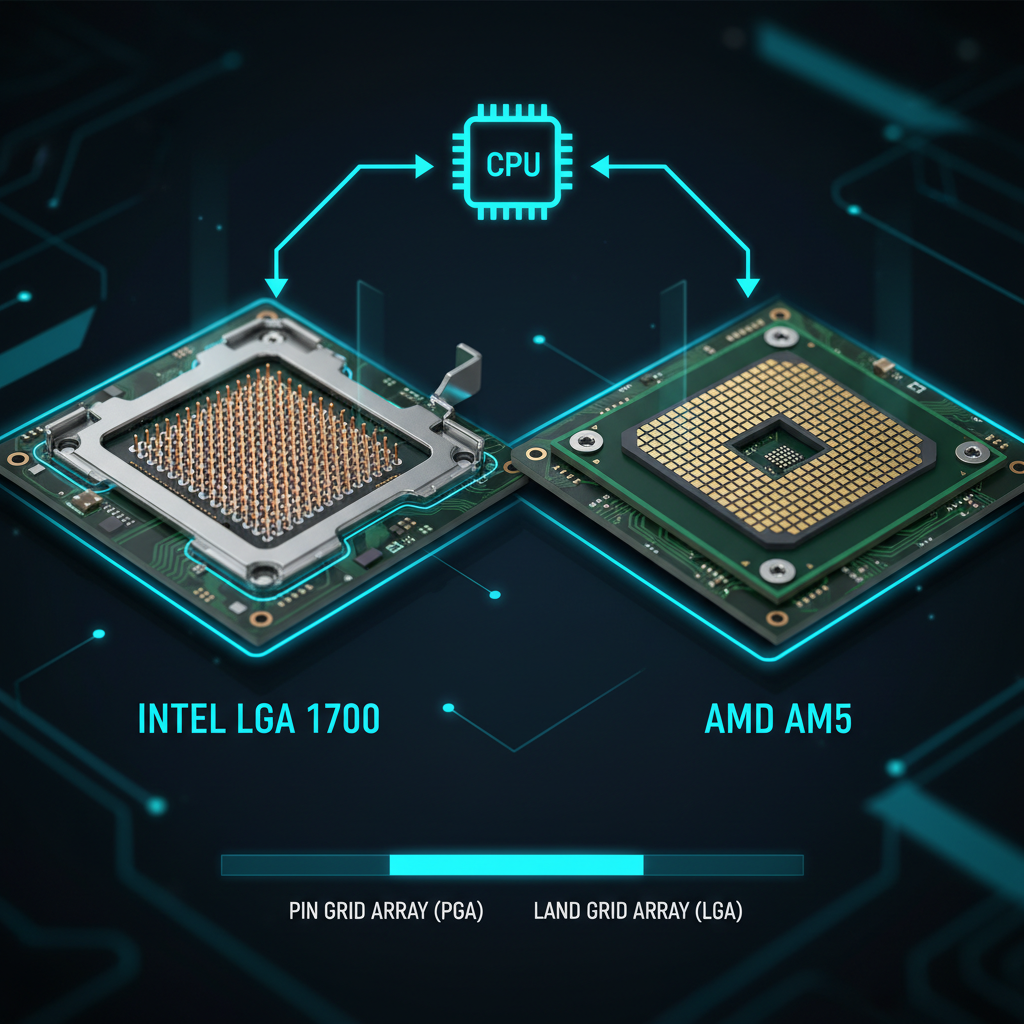
CPU Sockets Explained
Where AM5 sits against AM4 and Intel's current sockets, and what each platform commits you to.
7 min read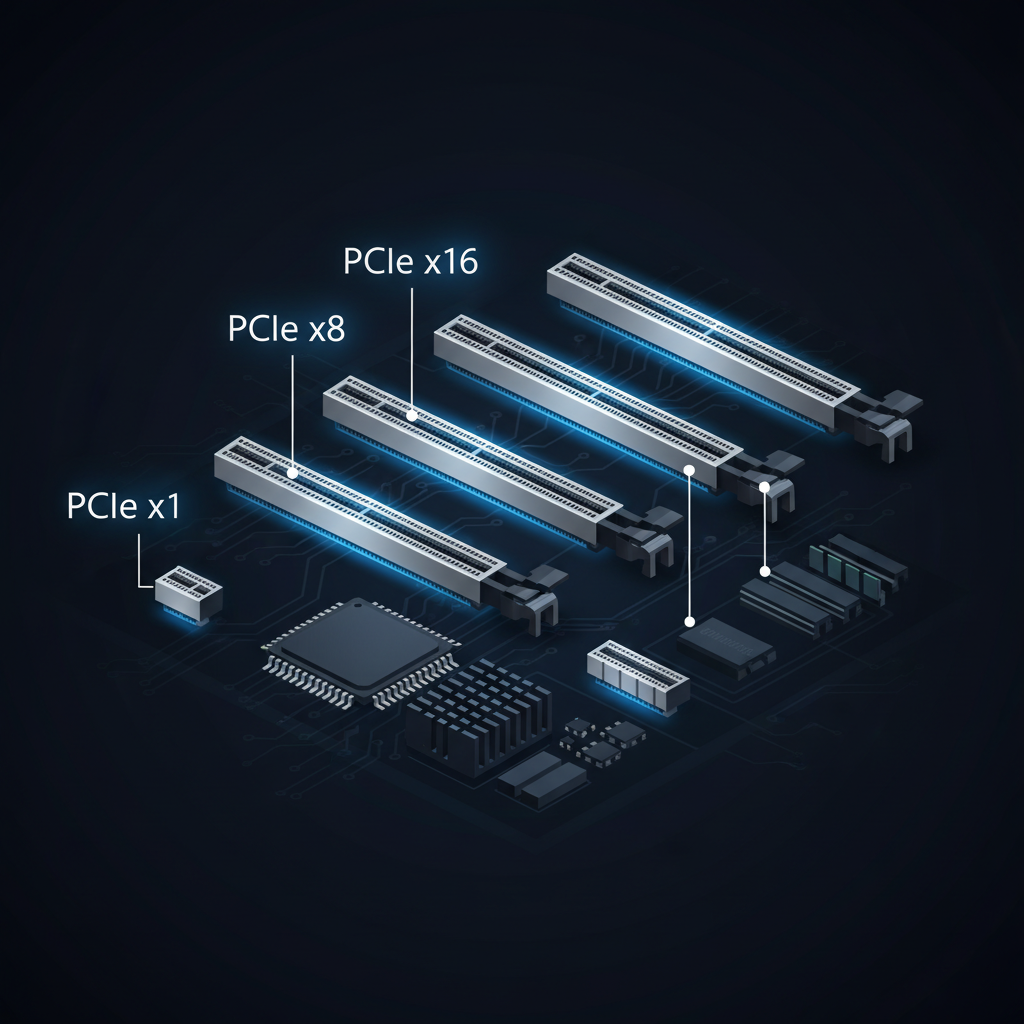
PCIe Speeds & Slots
What the generations and lane counts mean, and when a slower slot actually costs you performance.
8 min readSources
All sources below were accessed on 21 August 2026. We could not reach AMD's or Intel's own chipset specification pages from our tooling on that date — AMD's timed out and Intel's returned an access error — so no cell on this page is sourced from either vendor directly.
- GamersNexus — Zen 5 architecture and chipset differences (X870E, X870, B850, B840)
- GamersNexus — AMD chipset differences: B550 vs X570, B450, X470
- HWCooling — X870, X870E, B850 and B840: differences and release dates
- HWCooling — A620 chipset specs in detail
- HWCooling — Z890, B860 and H810 chipsets for Intel Arrow Lake
- Puget Systems — Z890 vs B860 vs H810
- Puget Systems — X870E vs X870 vs X670E vs X670 vs B650E vs B650
- Puget Systems — X570 vs B550 vs A520 chipset comparison
- PCWorld — B760 vs Z790: which type of Intel motherboard should you buy?
- pchardware.org — Intel chipset specification pages (Z890, B860, H810, Z790, H770, B760, H610)
- GraphicsCardHub — AMD AM5 chipsets comparison
- iTechGuides — AMD AM5 chipsets explained
- Mighty Gadget — X570 vs B550 vs B450 chipset comparison
Board-level values in the "Boards we've reviewed" column come from our own review pages. Where a chipset-level source disagreed with another, the cell says "Board-dependent" rather than choosing between them.