
Motherboard Guides
Everything you need to know about motherboards, explained clearly and practically
Everything you need to know about motherboards, explained clearly and practically
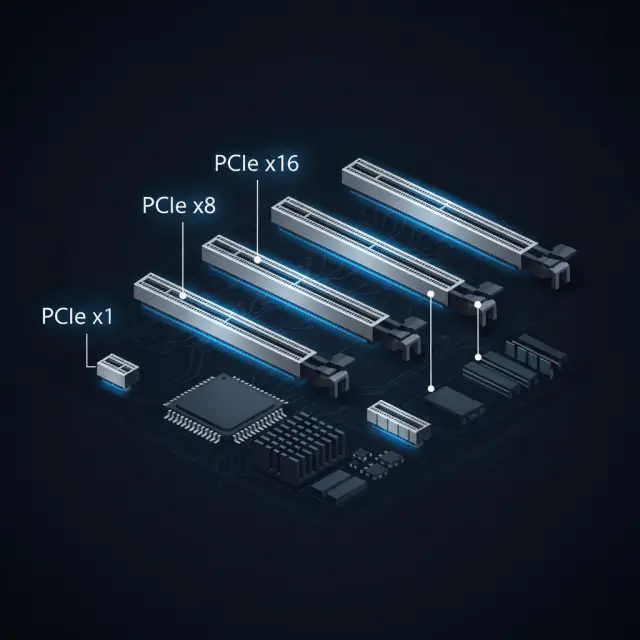
Understand PCIe generations, lane configurations, and how to get the most bandwidth from your GPU, NVMe drives, and expansion cards.
8 min read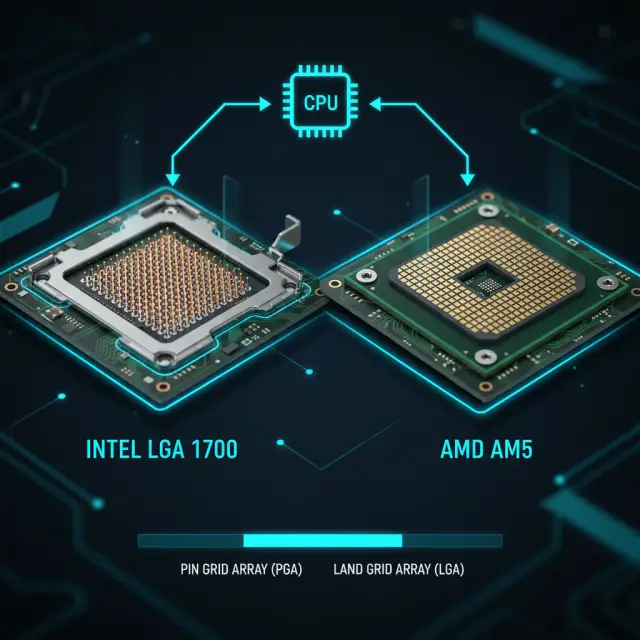
Everything about Intel LGA 1700, AMD AM5, and how to pick the right motherboard socket for your processor.
7 min read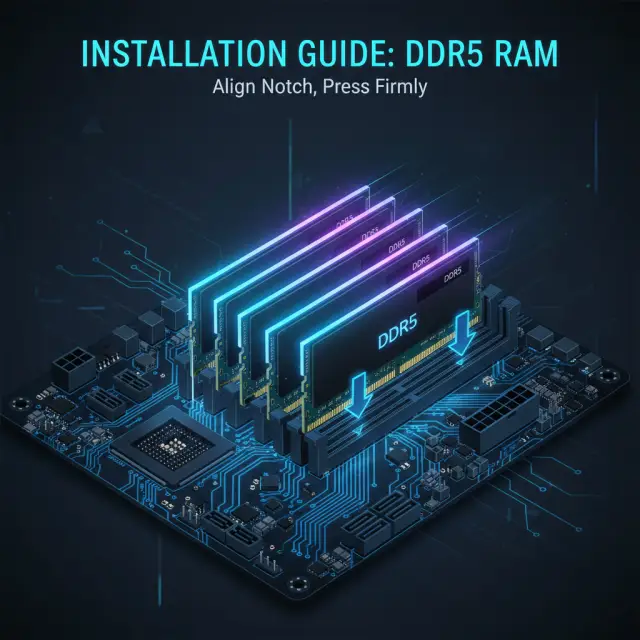
DDR4 vs DDR5, DIMM slot configurations, dual-channel setup, XMP profiles, and how to maximize your memory performance.
10 min read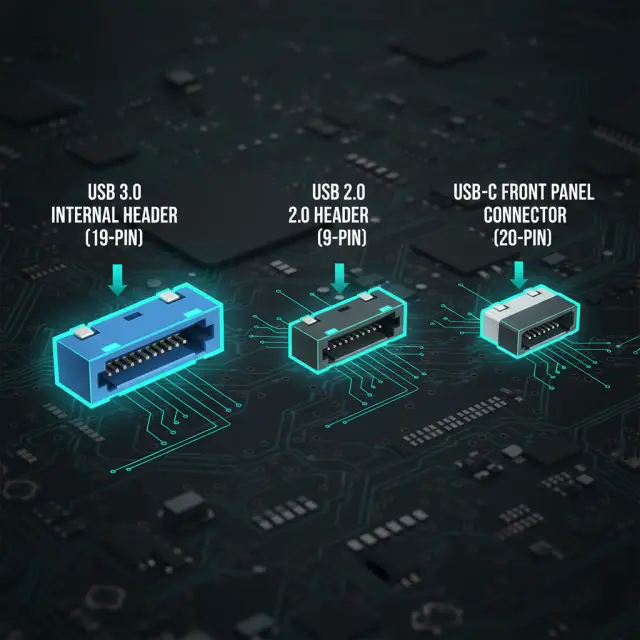
Internal USB headers, front panel connectors, USB 3.2 Gen 2x2, Type-C headers, and making sure your case is compatible.
6 min read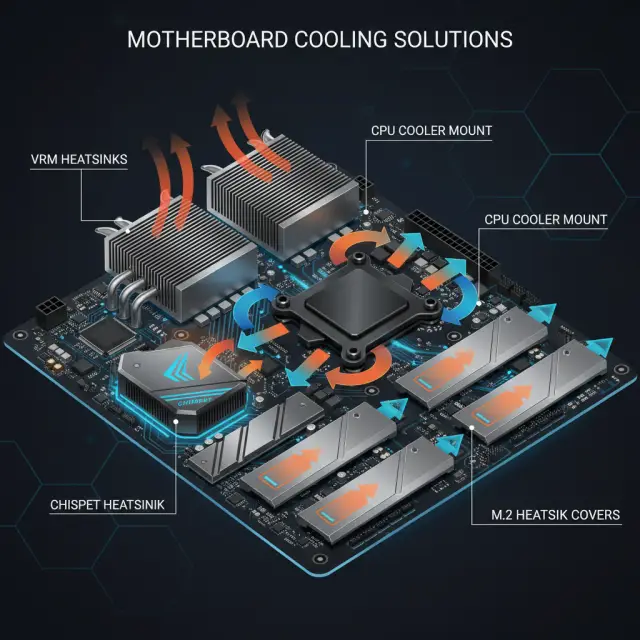
VRM heatsinks, chipset cooling, M.2 thermal pads, fan headers, and keeping your motherboard running cool under load.
9 min read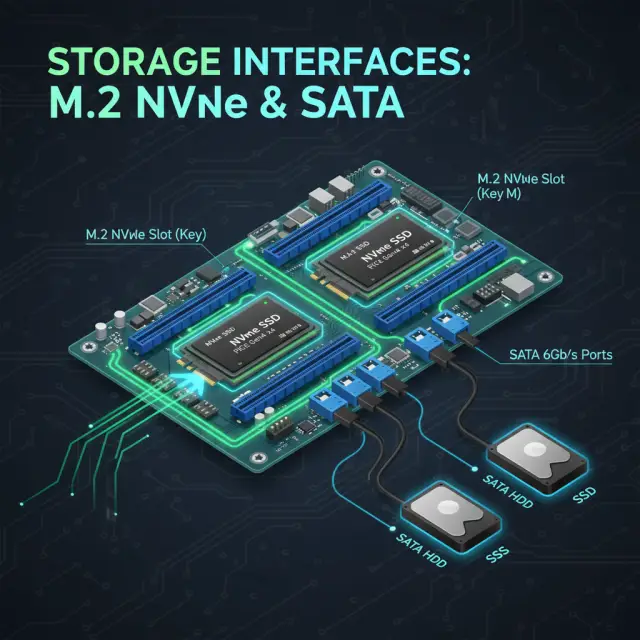
M.2 NVMe vs SATA, PCIe Gen 4 vs Gen 5 SSDs, how many drives your board supports, and optimal storage configurations.
7 min read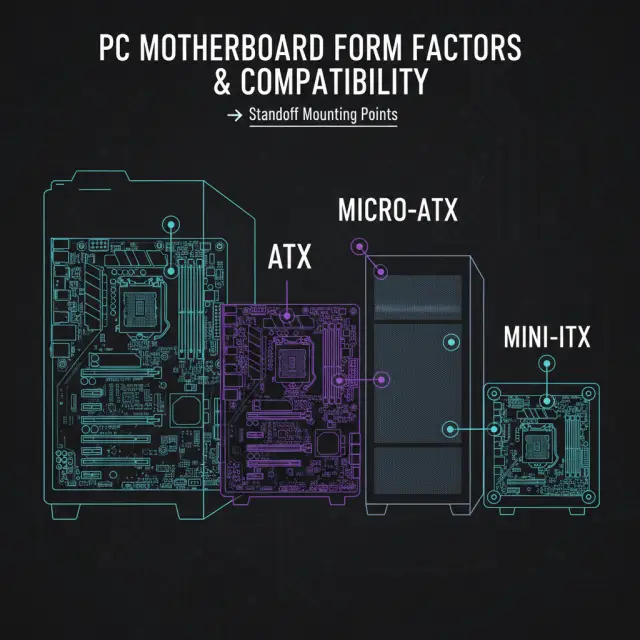
ATX, Micro-ATX, Mini-ITX form factors, standoff placement, I/O shield alignment, and choosing the right case for your board.
6 min readWhat a stuck CPU, DRAM, VGA or BOOT debug LED means, what to check for each one, and how to clear CMOS safely.
9 min readWhen an update is worth doing, how to flash from inside the BIOS, and how to flash with no CPU installed.
11 min readWhy an AM5 board sits on a black screen with the DRAM light on, what memory training is, and what Memory Context Restore trades away.
10 min readTurning on firmware TPM and Secure Boot for Windows 11 and anti-cheat, in an order that keeps the machine bootable.
12 min readX870 vs B850, Z890 vs B860: what each chipset guarantees, what depends on the board, and what we could not verify.
11 min readVU#382314: why some boards report DMA protection as active without it being on, and the BIOS setting a firmware update may not enable for you.
7 min readWhat an AM4 board still takes, the chipset trade-off that can cost you your old processor, and where the socket ends.
9 min readWhat an AM5 board takes today, why an older one needs a firmware update first, and what AMD's support-through-2029 commitment does and does not promise you.
8 min readWhat an LGA 1700 board still takes, which chipset tiers stop short of overclocking, and why 14th Gen is as far as this socket goes.
9 min readWhat an LGA 1851 board takes today, the refresh parts reported on the same socket, and why the budget chipset can waste the memory you already own.
9 min readFinding your board's exact model on Windows 11, and the PowerShell command that replaced the wmic one every other article still recommends.
9 min readThe board settings that turn it on, why Launch CSM has to go off first, the MBR trap that follows, and what a missing option is telling you.
8 min readWhat the LAN and WiFi rows actually buy you: 1G to 10G Ethernet, dual-LAN ports, Wi-Fi 6E versus Wi-Fi 7, and what to do about a board with no Wi-Fi.
9 min readWhat the Audio row names: the ALC897 on 30 of our boards, the ALC1220 family, the USB-attached ALC4080 and ALC4082, and when the row is worth paying for.
9 min readPre-release: which socket Zen 6 is reported to land on, why the 32 MB BIOS chip is not the cut-off it is said to be, and what a 32 MB board may give up instead.
9 min readSVM Mode on an AMD board, Intel (VMX) Virtualization Technology on an Intel one, why VT-d is a separate switch, and how to check before you change anything.
8 min readA SATA-mode drive in a PCIe-only slot, an M.2 slot that switches off a SATA port when populated, and how to look up which slot does what on your own board.
8 min readThe board's rear video ports belong to the CPU's integrated graphics. Why they go dark, how to check whether your processor has an iGPU, and the BIOS setting a discrete card switches off.
7 min readWhat the Power Phases row is counting, why the plus signs are groups rather than a score, and why what a phase is built from matters more than how many there are.
8 min readTwo lighting headers that look alike and carry different voltages. Reading the silkscreen and the pinout, the 3A limits ASUS publishes, and why a strip that fits may still be on the wrong one.
8 min readThe 24-pin, the EPS connectors and the 8+4 layout. What ASUS's manuals instruct, what Corsair says about leaving the second socket empty, and which boards we review have two.
9 min readSplit the problem at the rear jack first. The Windows output device, the driver in Device Manager, the front panel AAFP header, and the BIOS entry that switches the audio controller off.
8 min readWhat ASUS says the NEO suffix marks on its AM5 800-series boards, all eight of them side by side, and why it is not one fixed network specification.
6 min readThe board lists your NVMe drive and the Windows installer still finds nothing. What Intel VMD does to the drives, the two ways past it, and why it is an install-time decision.
8 min readAnnounced boards we are tracking, before they reach the shelves
A new B550 range for Socket AM4, announced 31 July 2026. What GIGABYTE has confirmed, and what it has not.
Intel's next desktop platform. What Intel has actually confirmed, and why we will not print the leaked chipset table.
Matched recommendations for the most popular processors
Top Z890 boards for Intel's flagship Arrow Lake CPU. Overclocking, Thunderbolt 4, WiFi 7.
B860 and Z890 picks balancing performance and value for mid-range Arrow Lake builds.
Z790 boards for gaming and productivity. Strong VRM, DDR5, and great value picks.
Budget B760 boards for the ultimate affordable gaming build. DDR4 and DDR5 options.
X870E flagship boards for AMD's most powerful desktop CPU. Creator and gaming builds.
X870 and B650 picks for the sweet spot Zen 5 CPU. Great value on AM5.
B650, B650E and X870E picks for the Zen 5 V-Cache gaming CPU. What the board has to do.
Top boards for gaming's most popular CPU. Save on the board, spend on the GPU.
B550 boards for the budget gaming legend. DDR4, proven reliability, lowest total cost.
Z390 boards for the legendary 8-core Coffee Lake. Still a solid platform for gaming.
B550 boards for the budget Zen 2 legend. Great value for entry-level gaming builds.
B550 and X570 boards for the 8-core Zen 2 workhorse. Streaming and multitasking value.
Start with our CPU Sockets guide to understand which platform is right for you, then move to RAM and Storage to plan your build.