CPU Sockets Explained
Understanding processor sockets and choosing the right platform for your build
Understanding processor sockets and choosing the right platform for your build
The CPU socket is the physical interface between the processor and the motherboard. It is a precisely engineered mechanical mount that provides both the electrical connections and the physical retention mechanism needed to hold your CPU in place. Every desktop processor requires a specific socket type, and the socket on your motherboard must match the socket supported by your CPU exactly.
You cannot install an AMD processor into an Intel socket, and vice versa. Even within the same brand, different CPU generations often use different sockets. The socket determines far more than just physical compatibility -- it also dictates which chipsets are available, what memory types are supported, how many PCIe lanes you get, and what upgrade paths are open to you in the future.
When planning a PC build, the CPU socket is typically the first decision you make. Choose the processor you want, identify its socket, and then select a motherboard with that socket and a chipset that fits your needs and budget.
Intel's LGA 1700 socket is the current mainstream desktop platform for Intel processors. It supports three generations of CPUs:
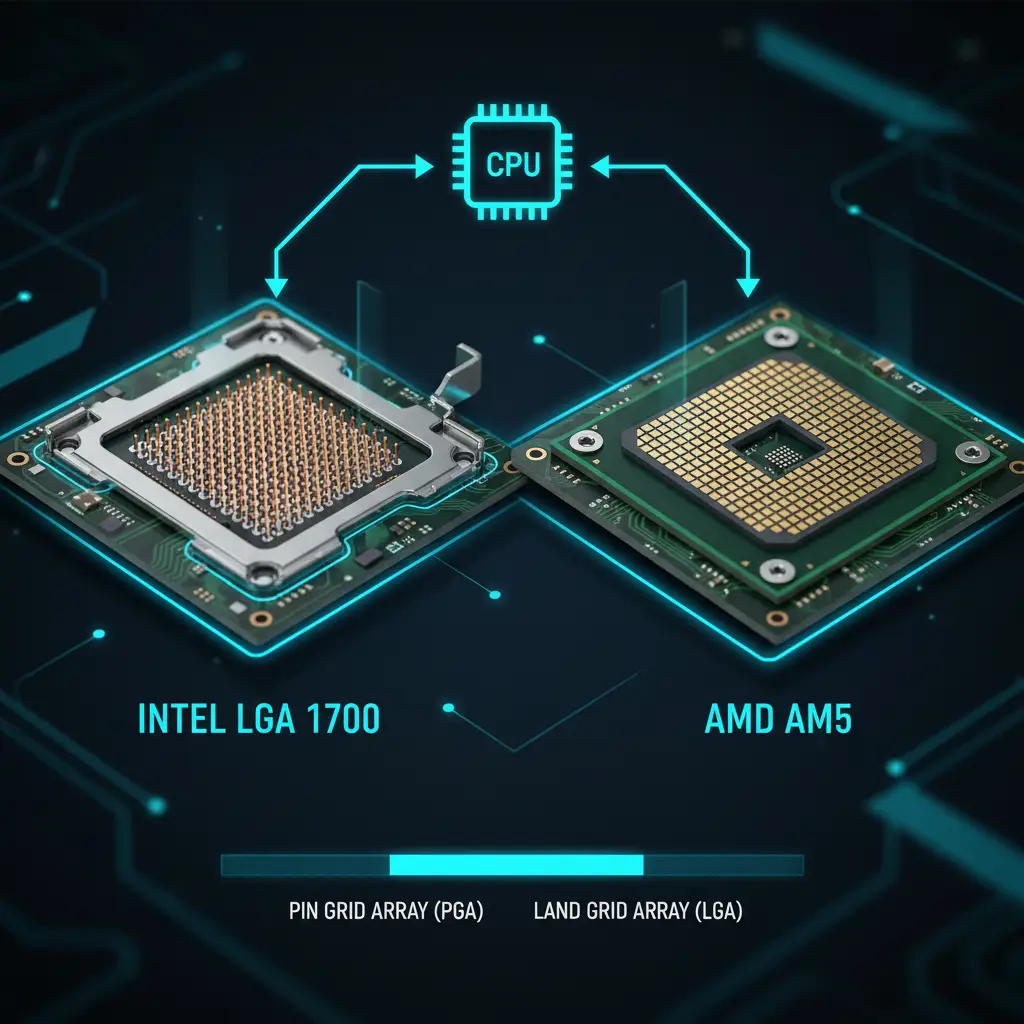
LGA stands for Land Grid Array, which means the contact pins are located on the motherboard socket rather than on the CPU itself. The processor has flat gold contact pads on its underside that press against the socket's pins. This design makes it less likely that you will damage the CPU during installation, though you still need to handle the motherboard socket with care.
The "1700" in the name refers to the 1,700 contact points between the CPU and the socket. LGA 1700 introduced a rectangular shape (45mm x 37.5mm), which is a departure from the square ILM (Independent Loading Mechanism) of previous Intel sockets. This means older cooler mounting hardware may not fit without an adapter bracket.
One of LGA 1700's key advantages is its flexibility with memory. Depending on the specific motherboard you choose, it can support either DDR4 or DDR5 memory -- but not both on the same board. This gives builders the option to save money with DDR4 or invest in the newer DDR5 standard.
The chipset you pair with LGA 1700 determines the features available to you. Here is a breakdown of the main options:
| Chipset | Overclocking | PCIe 5.0 GPU | PCIe 5.0 M.2 | Max USB 3.2 | Price Range |
|---|---|---|---|---|---|
| Z790 | Yes | Yes | Yes | Up to 20G | $200-$700 |
| B760 | No | Yes | Yes (1 slot) | Up to 10G | $100-$250 |
| H770 | No | Yes | Yes | Up to 20G | $130-$200 |
| H610 | No | No | No | Up to 5G | $60-$120 |
For most builders, the B760 chipset hits the sweet spot. It supports PCIe 5.0 for your GPU and one M.2 slot, costs significantly less than Z790, and the only major trade-off is the lack of CPU overclocking. If you are buying a K-series (unlocked) processor and want to overclock, Z790 is the way to go.
AMD's AM5 socket is the company's current mainstream desktop platform, introduced alongside the Ryzen 7000 series processors. It supports:
AM5 is a significant departure from AMD's previous AM4 socket. For the first time, AMD has adopted an LGA (Land Grid Array) design, placing the pins on the motherboard rather than on the CPU. Previous AMD desktop sockets used PGA (Pin Grid Array) with pins on the processor. The AM5 socket features 1,718 contact points.
Unlike Intel LGA 1700, AM5 is a DDR5-only platform. There are no DDR4 options available. While this means a slightly higher cost of entry for memory, it also ensures that every AM5 system benefits from DDR5's increased bandwidth and future headroom.
| Chipset | Overclocking | PCIe 5.0 GPU | PCIe 5.0 M.2 | USB4 | Price Range |
|---|---|---|---|---|---|
| X670E | Yes | Yes | Yes | Optional | $250-$700 |
| X670 | Yes | Optional | Yes | Optional | $200-$400 |
| B650E | Yes | Yes | Yes | No | $180-$300 |
| B650 | Yes | Optional | Optional | No | $120-$250 |
| A620 | No | No | No | No | $70-$130 |
A notable advantage of AMD's AM5 platform is that all chipsets except A620 support CPU overclocking. This means even a mid-range B650 board can unlock the full performance potential of an unlocked Ryzen processor, whereas Intel reserves overclocking for its premium Z-series chipsets only.
AMD has committed to supporting AM5 through 2029, a horizon it announced at Computex 2026. An AM5 board bought today still has years of CPU upgrades ahead of it without changing your motherboard. Sources: Wikipedia: Socket AM5 and Tom's Hardware, both read 23 August 2026.
Socket compatibility is absolute -- a CPU either fits a socket or it does not. There is no adapter, no workaround, and no "close enough." Every processor is designed for one specific socket, and installing it in the wrong one is physically impossible without causing damage. Here is the current compatibility map for modern desktop CPUs:
| Processor Family | Required Socket |
|---|---|
| Intel 12th / 13th / 14th Gen | LGA 1700 |
| AMD Ryzen 7000 / 8000 / 9000 | AM5 |
| Intel Core Ultra (Arrow Lake) | LGA 1851 |
| AMD Ryzen 1000 / 2000 / 3000 / 4000 / 5000 | AM4 |
Before purchasing any components, always verify that your chosen CPU and motherboard share the same socket. This information is prominently listed on the product page of every motherboard and processor. Cross-referencing is quick and can save you from a costly and frustrating mistake. To check a processor against a specific board we have reviewed, use our CPU compatibility checker. For what comes after LGA 1851 on the Intel side, see our Intel 900-series and LGA 1954 page — a new socket, still unconfirmed, that would not accept any processor listed above. If you already own a board and want to know what it will still take rather than what to buy, see the AM4 upgrade path, the AM5 upgrade path, the LGA 1700 upgrade path and the LGA 1851 upgrade path.
Never force a CPU into a socket. If it doesn't drop in smoothly, verify you have the correct socket. Forcing it will bend pins and permanently damage components.
There are three main types of CPU socket designs used in computers today. Understanding the differences helps you know what to expect when building or upgrading.
In an LGA socket, the pins are on the motherboard and the CPU has flat contact pads. This is the design used by all modern Intel desktop processors and AMD's newer AM5 platform. The advantage is that CPU handling is less risky -- you are less likely to bend a pin on the processor itself. However, you do need to be careful with the motherboard socket, as bent socket pins are difficult to repair and can require a full board replacement.
In a PGA socket, the pins are on the CPU and the socket has holes to receive them. This was used by AMD for its AM4 platform and all previous AMD desktop sockets. PGA makes it easier to inspect and potentially straighten bent pins since they are on the removable CPU rather than permanently attached to the motherboard. However, dropping or mishandling a PGA processor is more likely to cause damage.
BGA is not a socket at all in the traditional sense. The CPU is permanently soldered to the motherboard using tiny solder balls. This design is used in virtually all laptops, tablets, and many embedded systems. BGA provides excellent thermal contact and takes up less space, but the major trade-off is that the CPU cannot be upgraded or replaced. If the processor fails or you want more performance, you need an entirely new motherboard.
The chipset is the companion chip on your motherboard that works alongside the CPU to manage data flow between the processor, memory, storage, and peripherals. Different chipsets within the same socket offer different feature levels, and they follow a clear hierarchy:
These are the top-of-the-line chipsets designed for enthusiasts and power users. They offer full CPU overclocking support, the maximum number of PCIe lanes, the most USB ports and M.2 slots, and often support advanced features like Thunderbolt or 10 Gigabit networking. Motherboards with these chipsets range from mid-high to very high in price, and they are best paired with unlocked (K-series Intel or X-series AMD) processors.
B-series chipsets deliver the best value for most builders. They include the features that matter most -- adequate PCIe lanes, multiple M.2 slots, good USB connectivity, and WiFi on many boards. On the AMD side, B650 and B650E still support overclocking, making them particularly compelling. On Intel, B760 lacks overclocking but still provides PCIe 5.0 for GPU and storage. For the majority of gaming and productivity builds, a B-series chipset is the recommended choice.
Budget chipsets like Intel H610 and AMD A620 strip things down to the basics. They do not support overclocking, offer fewer PCIe lanes and USB ports, and typically lack PCIe 5.0 connectivity. These boards are ideal for office PCs, basic gaming builds on a tight budget, or systems where you simply do not need the extra features. They get the job done at the lowest cost.
For most users, a B-series chipset (B760 for Intel, B650 for AMD) provides the best balance of features, performance, and price. Save your money on the motherboard and invest it in a better GPU or CPU instead.
The Intel vs AMD debate has never been closer than it is today. Both platforms deliver excellent performance, and the "right" choice depends on your specific needs, budget, and priorities. Here is a decision framework to help you choose:
Either platform is excellent for gaming and general productivity. The performance gap between comparable Intel and AMD processors is typically small -- often within a few percentage points. Rather than agonizing over the platform, focus on which specific CPU offers the best price-to-performance ratio at your budget. Check current pricing and recent benchmarks, because the value proposition shifts frequently as both companies adjust prices and release new products.
Installing a CPU is one of the most straightforward yet nerve-wracking parts of building a PC. The component is expensive and the socket is delicate. Follow these guidelines to ensure a smooth installation:
If this is your first build, watch a video walkthrough specific to your socket type before starting. Seeing the process in action builds confidence and helps you understand exactly how much pressure is normal when closing the retention mechanism.
LGA 1851
LGA 1700
AM5
AM4
Continue learning about building your PC with these related guides:
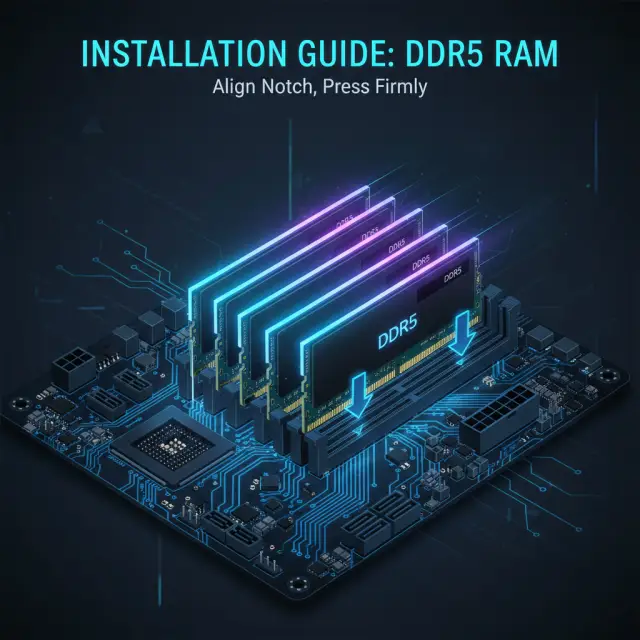
DDR4 vs DDR5, DIMM slots, dual-channel setup, XMP profiles, and maximizing memory performance.
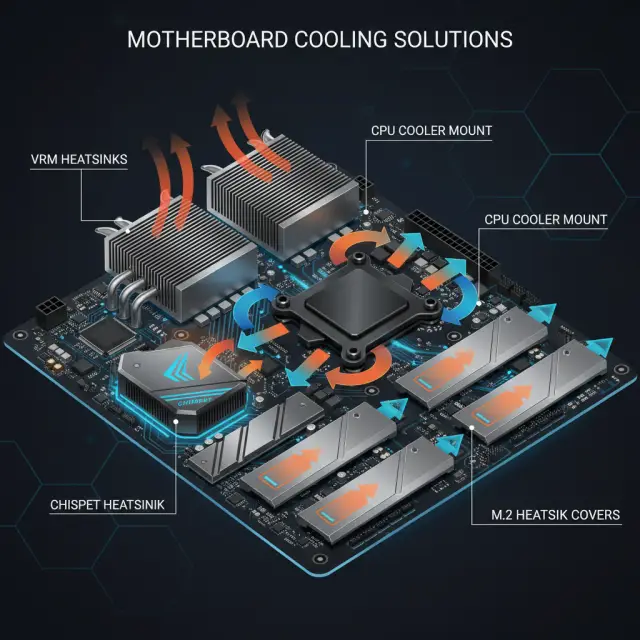
VRM heatsinks, chipset cooling, M.2 thermal pads, fan headers, and keeping your board running cool.
Intel's next desktop socket. What Intel has confirmed, what is only reported, and why we will not print the leaked chipset table.